
Select a passage.
Highlight the text you want to check.
BROWSER EXTENSION
 Chrome
Install the test build, then check selected text from your browser.
Test package · manual installation · manual updates.
 HalluSpotPREVIEW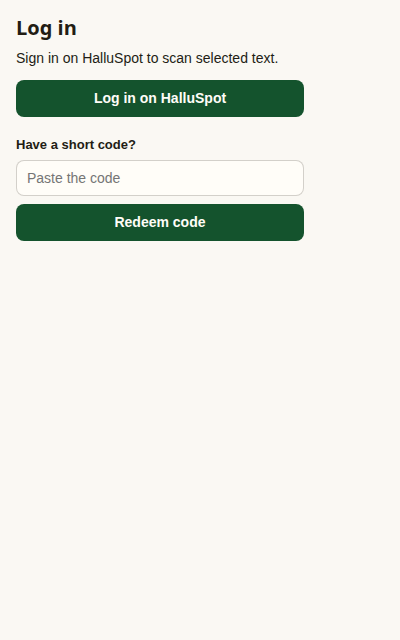
Sign in to check selected text.
FOUR SHORT STEPS
Unzip the package. Keep this folder after installation.
Highlight the text you want to check.
Use the extension popup or selection menu.
Read the result alongside the original text.
Download the new package, replace the files in your saved folder, then reload HalluSpot on the extensions page. Updates are manual.
Pin HalluSpot if its icon is missing. Sign in from the popup before scanning. If installation is restricted, check with your organization’s administrator.